An isolated diagram
- Markers can lose patient and visit context
- A separate total can disagree with entered points
- Product and lot data must be reconciled elsewhere
Injection mapping
Aesthetic Pass gives the practitioner a free-position face chart instead of fixed, oversized zone buttons. Each selected location can be fine-adjusted under a crosshair and paired with a compact value such as 18U or 0.5ml.
No demo required · One account for web, iOS and Android · 25 distinct treated patients free
Interactive product demonstration
Tap anywhere on the face, enter the amount used, and choose units or ml. Add as many independent or asymmetric points as the treatment requires—there are no preset zones.
Live record preview
0 documented points
Tap an exact position on the face to add the first treatment point.
Automatically calculated totals
0
units
0
ml
Units and ml stay separate. The product totals only practitioner-entered values and never proposes an amount.
Real product screens
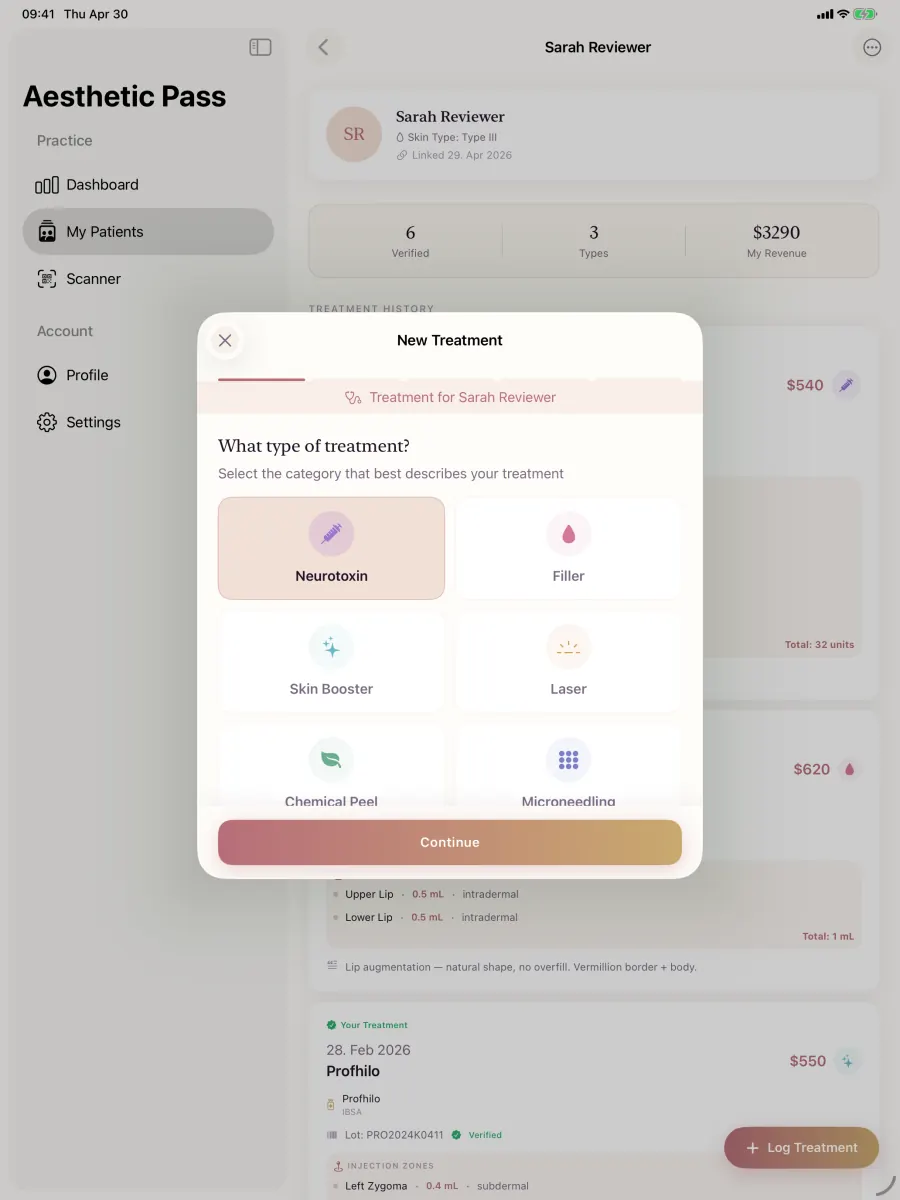
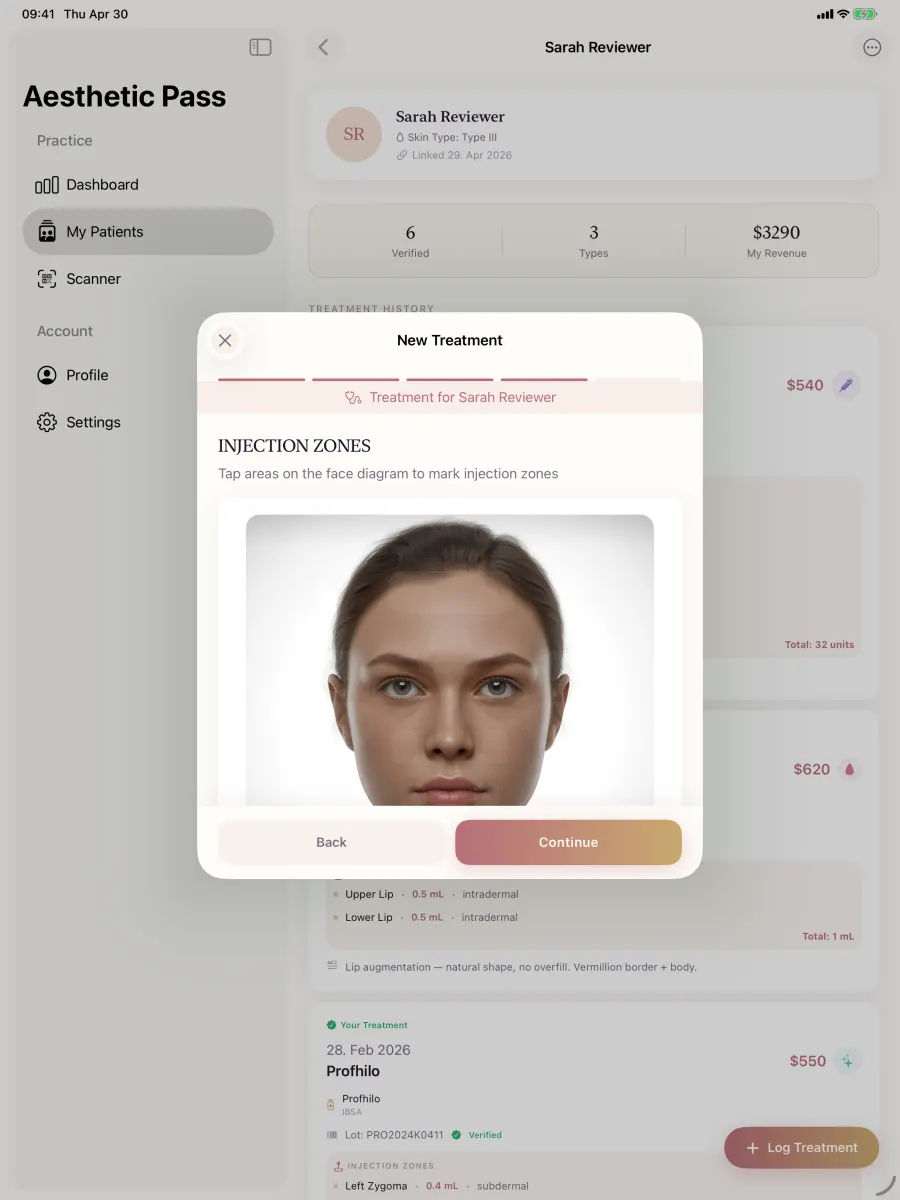
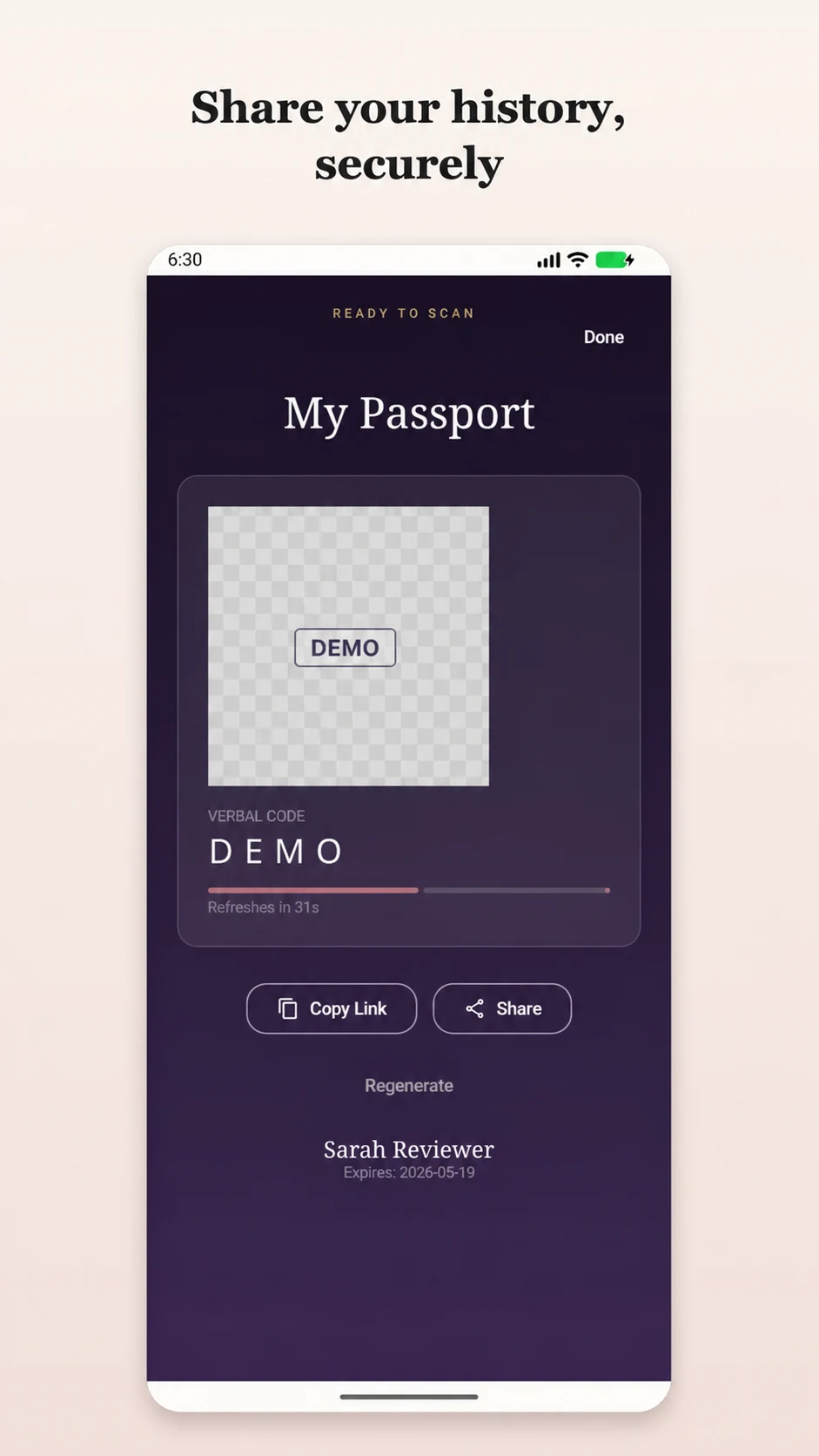
The map is shown in the same product workflow that holds patient, treatment, product and saved-history context.
45-second product workflow
Silent, captioned product demonstration using demo-only profiles. The app records practitioner input; it does not recommend treatment.
Beyond a face chart
A marker becomes useful documentation only when it remains connected to the correct patient, treatment, product and practitioner-entered value.
Anatomy of the record
A face chart alone shows position. A useful clinical record also preserves whose treatment it was, what was entered, how point values were reviewed and where the saved result belongs.
| Record element | On an isolated diagram | In Aesthetic Pass |
|---|---|---|
| Patient and visit context | May sit in another file | The map opens inside the selected treatment |
| Product and lot | Often reconciled separately | Remain alongside the treatment entry |
| Zones and point values | Position without full context | Practitioner-entered values stay on the treatment map |
| Toxin-unit total | Can be typed as a separate estimate | Calculated from the documented point values |
| Saved history | Export or folder to match later | Enters the patient's treatment timeline |
Record the values the practitioner actually entered for the selected treatment areas.
Let the final toxin total follow the documented points rather than an advance guess.
Keep the reviewed map with the treatment record that enters the patient's timeline.
Why the workflow matters
Real treatments are not always symmetrical and do not always fit preset points. A free-position map lets the treating professional preserve the location they intended to record, while compact labels keep nearby entries readable. For toxin treatments, the final total follows the saved point values rather than an estimate entered in advance.
How it works
The map records practitioner-selected positions and values. It does not recommend a location, anatomical classification or dose.
Start inside the selected patient's treatment flow and choose the relevant treatment type and product.
Tap approximately on the face, then zoom or pan beneath a fixed crosshair and use the fine-adjust controls when the target is small.
Record toxin units or a volume value. Compact map labels such as 18U and 0.5ml reduce overlap between nearby points.
Check every point in patient context. For toxin, confirm the automatically calculated sum before saving the treatment.
Capabilities in context
The injection map belongs to the selected treatment and patient rather than an isolated diagram.
Document asymmetrical or non-preset locations with zoom, pan, a fixed crosshair and fine-adjust controls.
For toxin treatments, the final total is derived from the units recorded across the map.
Compact point labels preserve location and value alongside product, lot and treatment details.

Clinical implementation interview
See how practitioner-selected mapping stays connected to product context and the saved treatment history.
The participant-approved Belledox Q&A explains the implemented workflow and its boundaries. It does not report measured clinical, financial or efficiency outcomes.
Read the implementation case studyClear boundaries
The face model reflects the practitioner's entries and is not an anatomical recommendation engine.
FAQ
No. It records the points and values selected by the treating practitioner.
The workflow adds the unit values entered across the documented injection points and presents the resulting total for review.
No. The provider places points freely. Precision controls help refine small targets without the finger covering the intended position.
It is contextual orientation only. It is not an authoritative anatomical classification, injection recommendation or substitute for the practitioner's assessment.
Try the workflow free
Document zones and practitioner-entered quantities, calculate the total, and export a PDF or CSV without uploading patient data.
Researching professional nomenclature? Read our source-led MD Codes guide with a code-family navigator.
Open the MD Codes guidePractice resources
Patient-free evaluation protocol
A repeatable, patient-free protocol for evaluating injection mapping software: point entry, totals, corrections, failure recovery and record retrieval.
OpenClinic checklist
A practical treatment-documentation checklist for aesthetic practices covering visit preparation, product and lot records, injection details, optional photos, review and follow-up.
OpenStart today
Create your professional account, then download the iOS or Android app and sign in with the same credentials. The walkthrough request is optional if you would like help evaluating the workflow.
Start freeWith your permission, Google Analytics measures visits and actions on public marketing pages only. It is never loaded on patient passports, sign-in, registration, account, dashboard, admin, API, or checkout pages. Privacy details