Treatment and product details
Keep the selected treatment type, product, date, cost and entered lot number in the same record.
Treatment documentation
Aesthetic Pass gives qualified aesthetic providers one workflow for recording what was used, where practitioner-selected points were documented and which patient received the treatment. For toxin treatments, the total is calculated from the final mapped entries instead of being estimated in advance.
No demo required · One account for web, iOS and Android · 25 distinct treated patients free
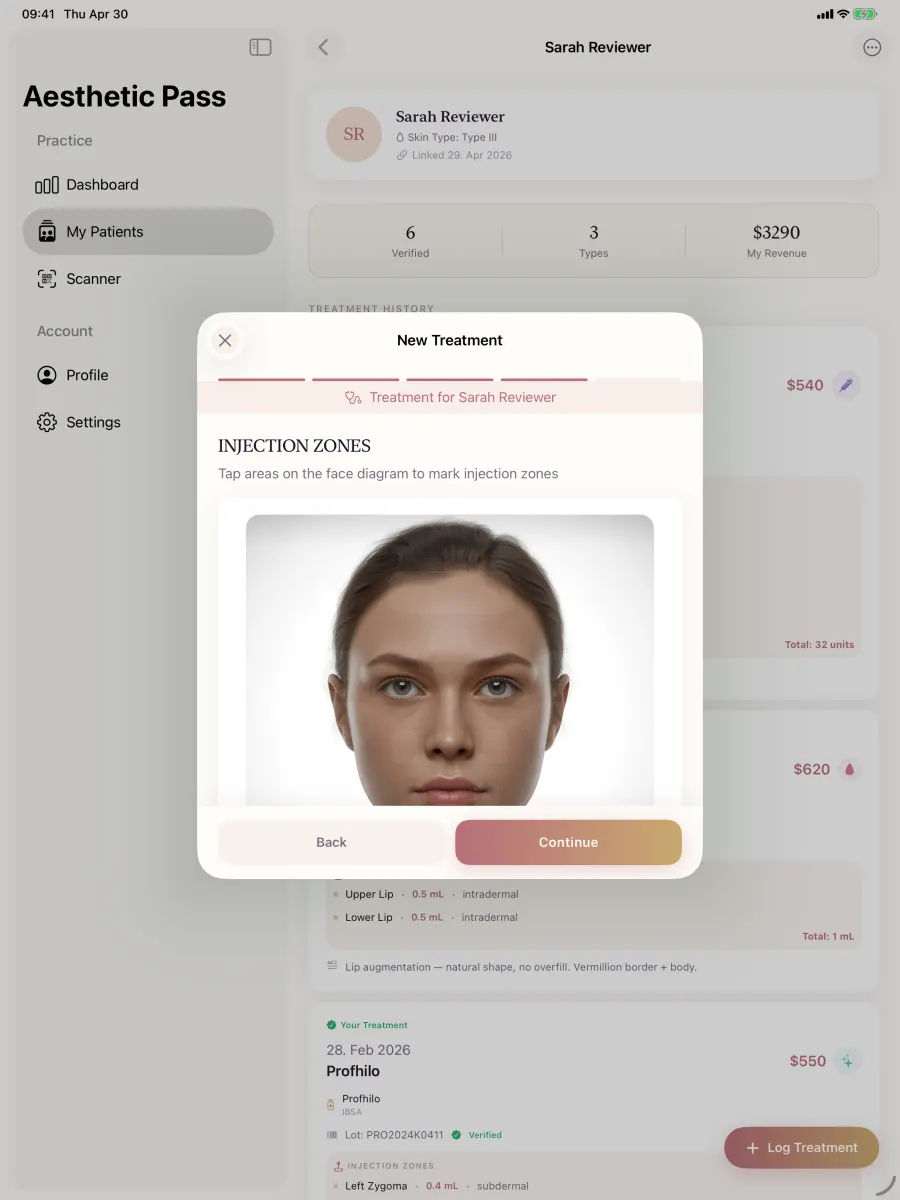
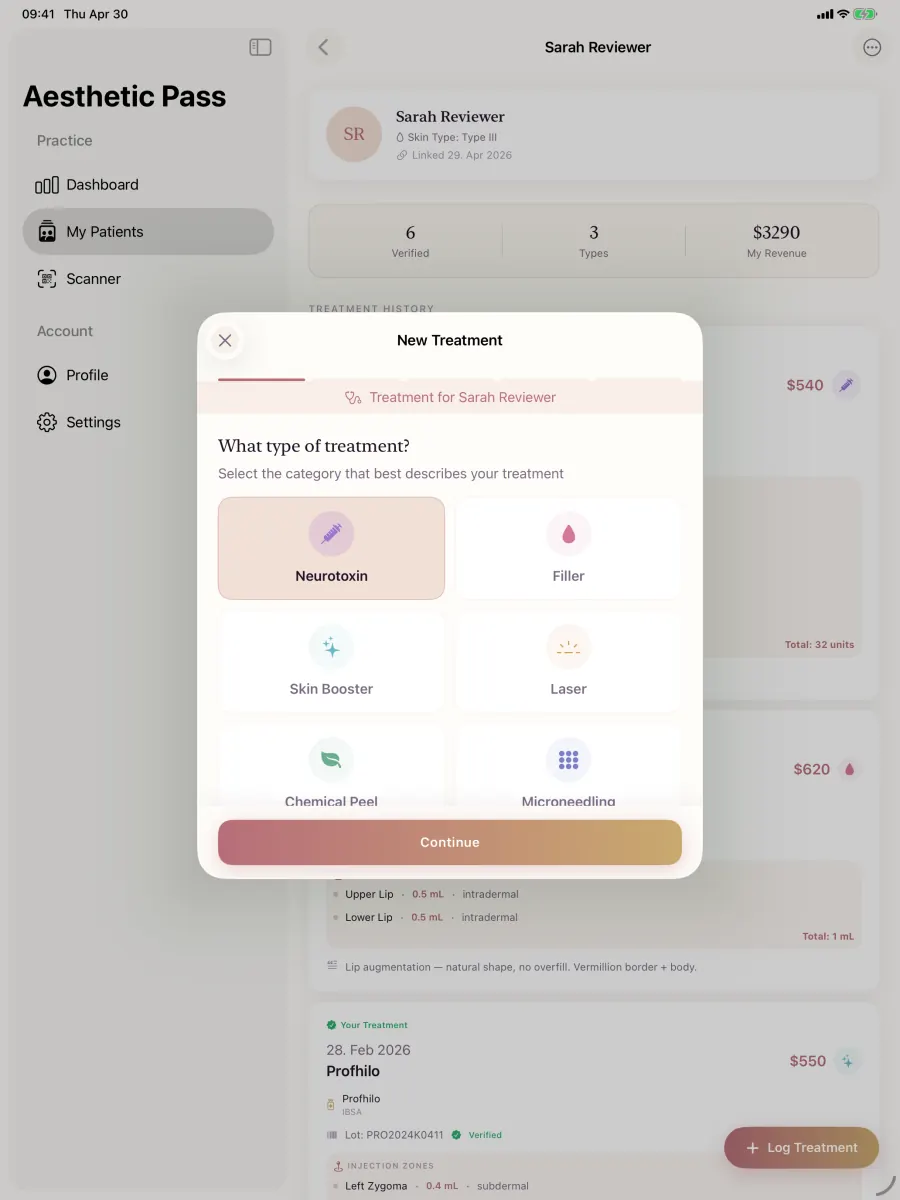
Real product screens
These screens come from the published Aesthetic Pass workflow and use demo-only profiles.
45-second product workflow
Silent, captioned product demonstration using demo-only profiles. The app records practitioner input; it does not recommend treatment.
Why the workflow matters
The exact number of toxin units is often only clear after every injection area has been documented. Instead of estimating that number in advance, the practitioner records units zone by zone and reviews the calculated total before saving the treatment.
How it works
The workflow keeps treatment details together while letting the practitioner move forward without adding optional photos.
Select a linked patient, treatment type and product, then add the treatment date, cost and lot number when relevant.
Place the documented injection points on the face model and enter the units used in each selected zone.
Optionally attach up to three before photos and up to two after photos. A treatment can also be completed with no photos.
For toxin treatments, Aesthetic Pass adds the zone values and saves the resulting total with the treatment record.
Capabilities in context
Keep the selected treatment type, product, date, cost and entered lot number in the same record.
Record the treatment areas and the units entered for each injection point instead of relying on a single summary number.
The final toxin total is derived from the documented zone values and shown for review at the end of the flow.
Before and after images remain optional and are attached to the corresponding patient and treatment when uploaded.
Clinical implementation interview
See how a clinically informed aesthetic workflow connects the patient, treatment record, product context and longitudinal history.
The participant-approved Belledox Q&A explains the implemented workflow and its boundaries. It does not report measured clinical, financial or efficiency outcomes.
Read the implementation case studyClear boundaries
Aesthetic Pass helps organise practitioner-entered information. It does not decide how a patient should be treated.
FAQ
No. Enter the units as you document each treatment zone. Aesthetic Pass calculates the final toxin-unit total from those zone entries for the review step.
No. Photos are optional. You can save a treatment with no photos, or add up to three before photos and up to two after photos.
Yes. The selected product and an entered lot number can be saved alongside the treatment, injection zones and unit values.
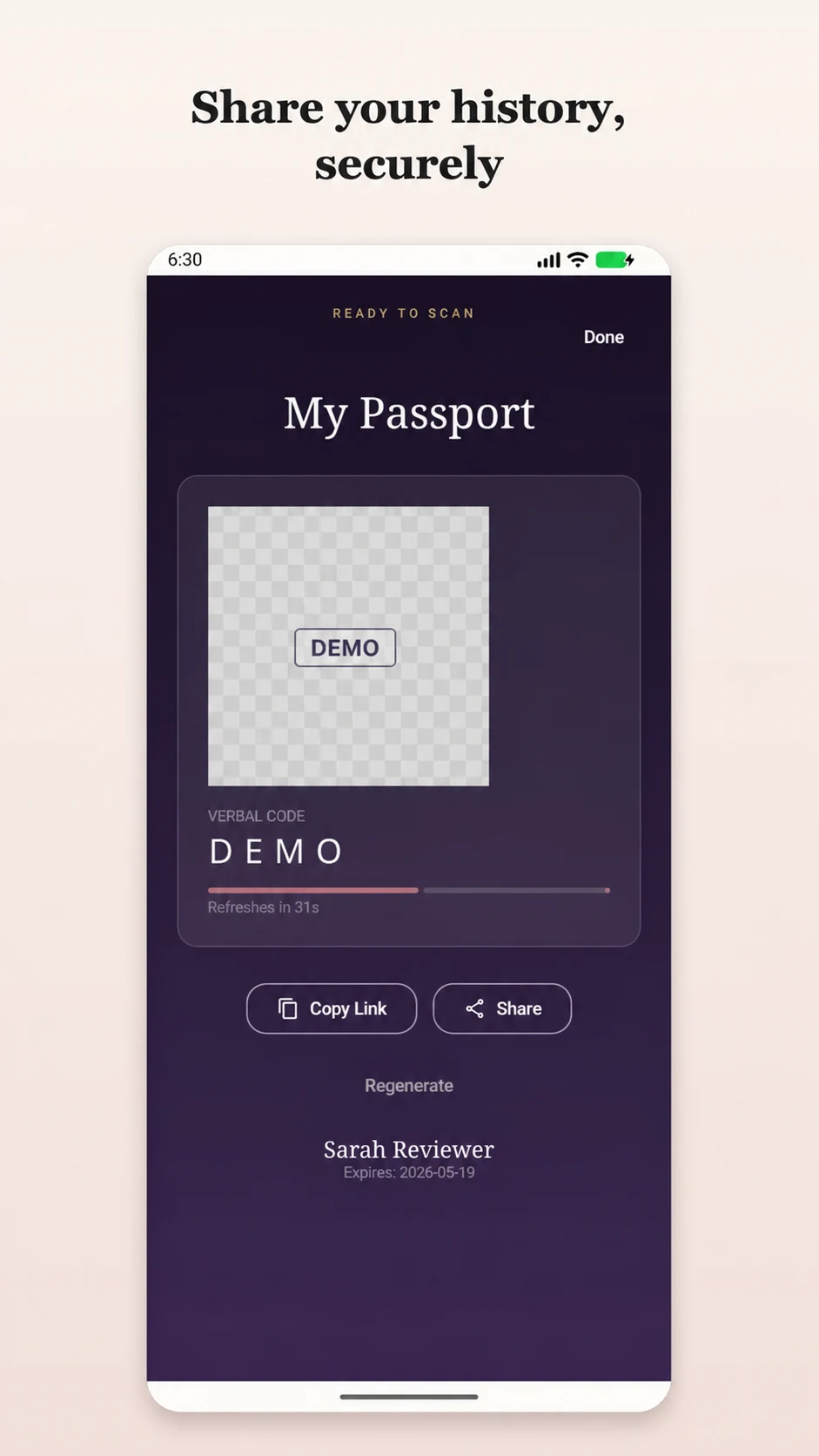
Patients can view their treatment timeline in Aesthetic Pass and can generate a reusable 24-hour bearer link when they choose to share available passport records.
Practice resources
Clinic checklist
A practical treatment-documentation checklist for aesthetic practices covering visit preparation, product and lot records, injection details, optional photos, review and follow-up.
Open2026 buyer's guide
Compare aesthetic clinic software with a 45-minute live test for anamnesis, consent, treatment plans, charting, injection mapping, booking and reporting.
OpenStart today
Create your professional account, then download the iOS or Android app and sign in with the same credentials. The walkthrough request is optional if you would like help evaluating the workflow.
Start freeWith your permission, Google Analytics measures visits and actions on public marketing pages only. It is never loaded on patient passports, sign-in, registration, account, dashboard, admin, API, or checkout pages. Privacy details